
Billing and Plans
The Billing & Plans page is the central hub for managing your organization’s subscription, monitoring credit usage, and comparing available plan tiers. Organization admins use this page to upgrade or downgrade plans, add credits for skip tracing and enrichment, and access billing history. Non-admin users can view this page in read-only mode to check credit balances and plan details.
Step-by-Step Guide
Section titled “Step-by-Step Guide”-
Navigate to Billing & Plans
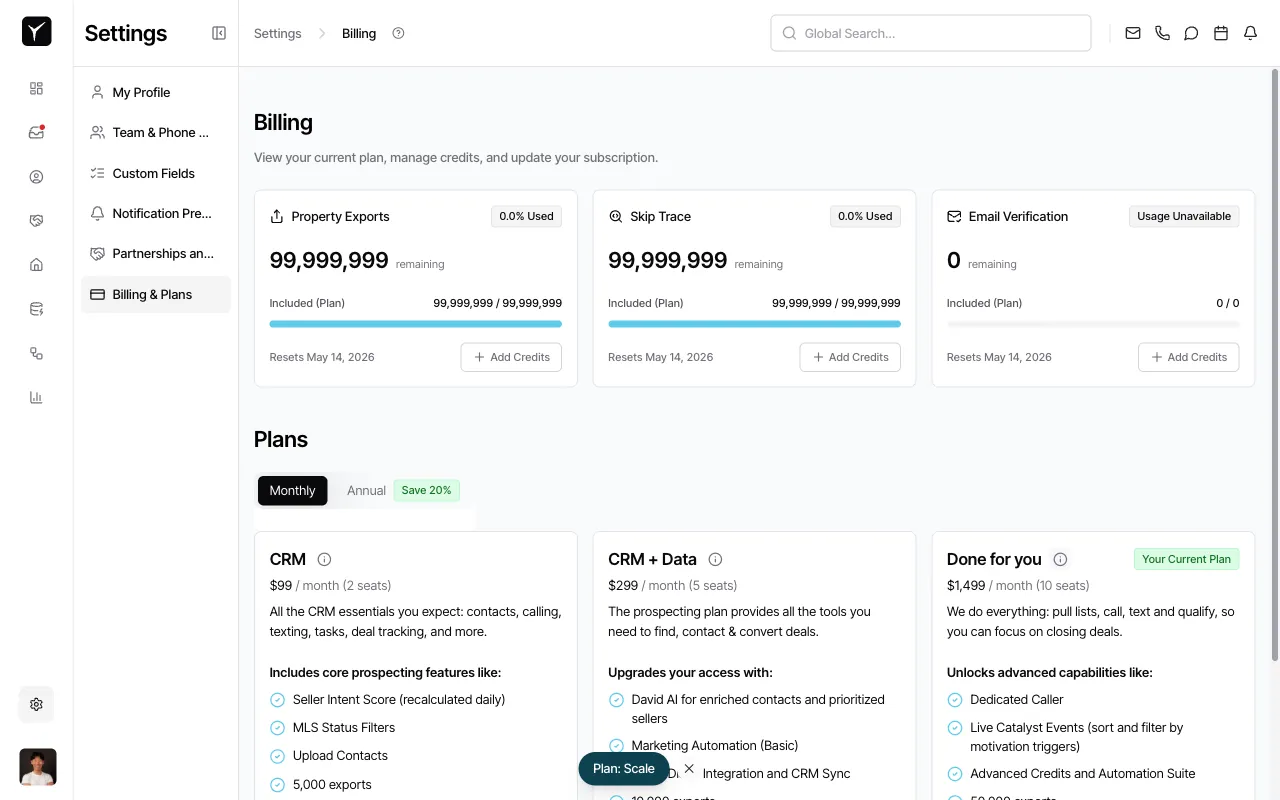
From the left sidebar in Settings, click Billing & Plans to open the billing dashboard. You’ll see an overview of your current plan, credit usage across three categories, and available plan options below.
-
Review credit usage
The top section displays three credit pools: Property Exports, Skip Trace, and Email Verification. Each card shows the current balance, percentage used, credits included in your plan, and a reset date. Click + Add Credits on any card to purchase additional credits if you’re running low before the renewal date.
-
Compare available plans
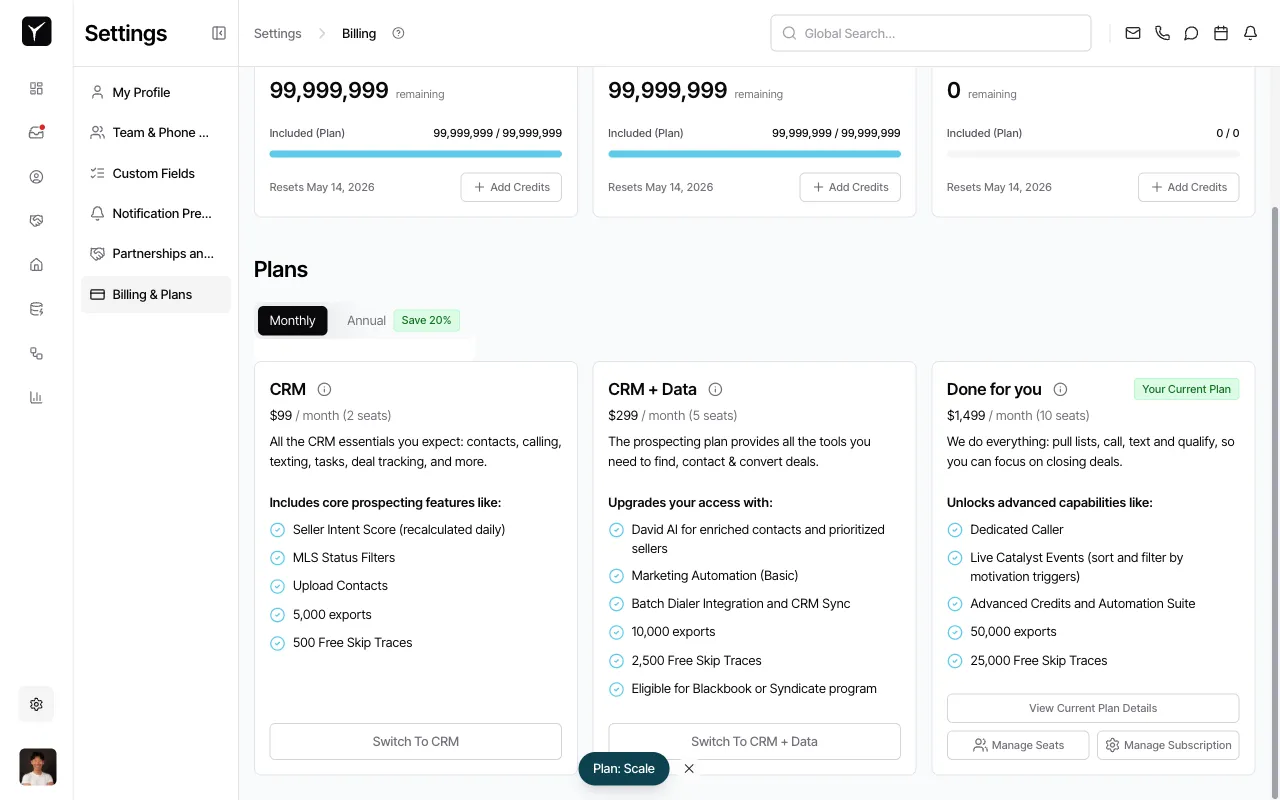
Scroll down to the Plans section to see all available tiers side-by-side. Toggle between Monthly and Annual billing to compare pricing (annual plans save 20%). Each plan card lists included features, credit allotments, and pricing per seat.
-
Manage your subscription
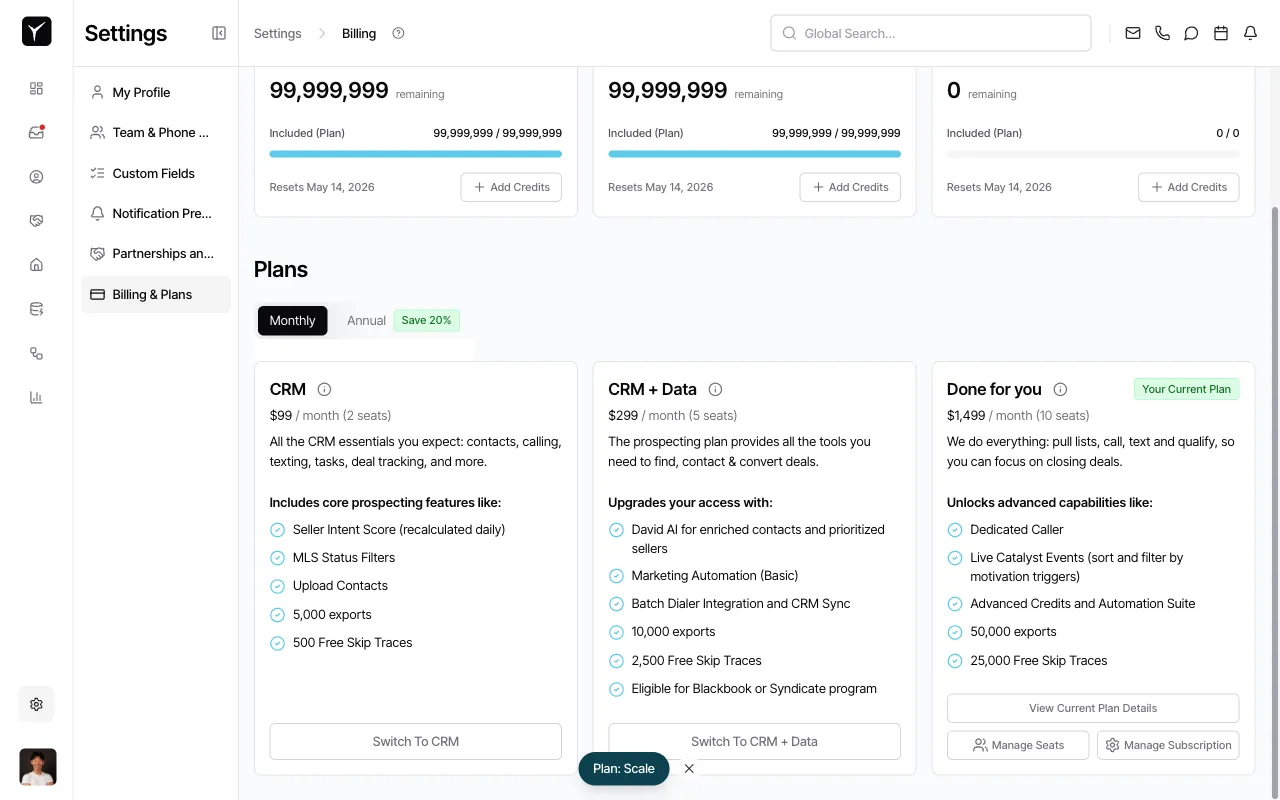
Your current plan is marked with a Your Current Plan badge. To switch plans, click Switch To CRM, Switch To CRM + Data, or any upgrade option shown on the target plan card. To adjust the number of seats or access subscription details, click Manage Seats or Manage Subscription at the bottom of your current plan card.
Frequently Asked Questions
Section titled “Frequently Asked Questions”Q: When does my billing cycle renew?
Section titled “Q: When does my billing cycle renew?”Your credit balances reset on the renewal date shown under each credit category (e.g., “Resets May 14, 2026”). Billing cycles run monthly or annually depending on your selected plan frequency.
Q: Can I cancel my subscription anytime?
Section titled “Q: Can I cancel my subscription anytime?”Yes. Click Manage Subscription at the bottom of your current plan card to access cancellation and plan change options through the subscription management portal.
Q: What happens to unused credits at the end of a billing cycle?
Section titled “Q: What happens to unused credits at the end of a billing cycle?”Most plans reset unused credits at the start of each new billing cycle. Check your specific plan details or contact support to confirm rollover policies for your tier.
Q: Who can see and edit billing information?
Section titled “Q: Who can see and edit billing information?”Organization admins have full access to change plans, update payment methods, and download invoices. Non-admin team members can view credit balances and plan details in read-only mode.
Q: Do I need a specific plan to create Custom Data Pipelines?
Section titled “Q: Do I need a specific plan to create Custom Data Pipelines?”No. Custom Data Pipelines can be requested on any plan tier. Your plan determines whether the request is auto-approved or requires a subscription upgrade review.