
How Do I Assign a Phone to a User?
Assigning a phone number to a user allows that team member to make outbound calls and send texts from Goliath using that number. Users can have multiple assigned numbers for different campaigns or functions, and you can designate one as their primary number for outbound communication. This feature is available only to administrators.
Step-by-Step Guide
Section titled “Step-by-Step Guide”-
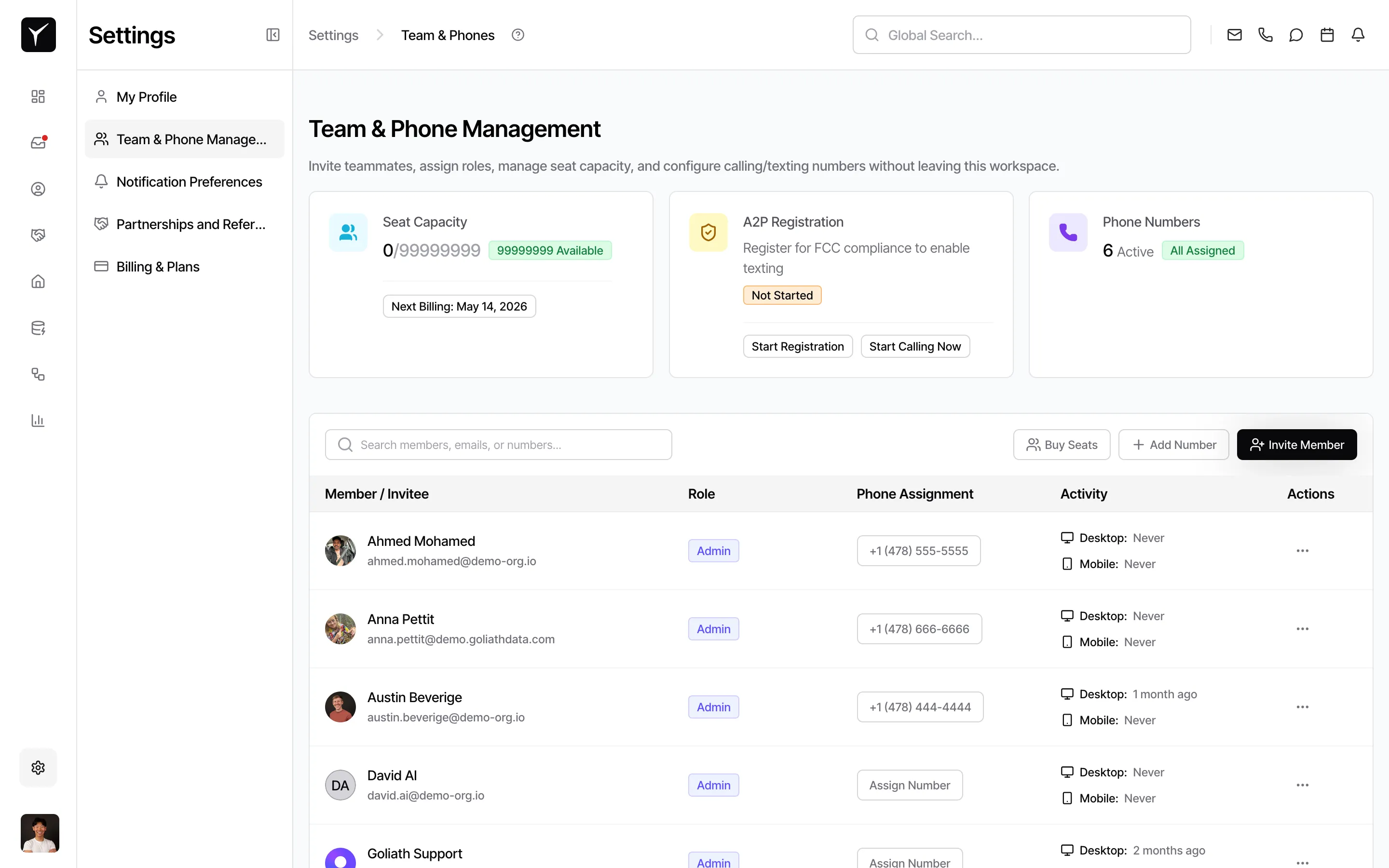
Navigate to Team & Phone Numbers
From Settings, open the Team & Phone Numbers page. Locate the team member you want to assign a number to and open their Manage User Phone sheet.
-
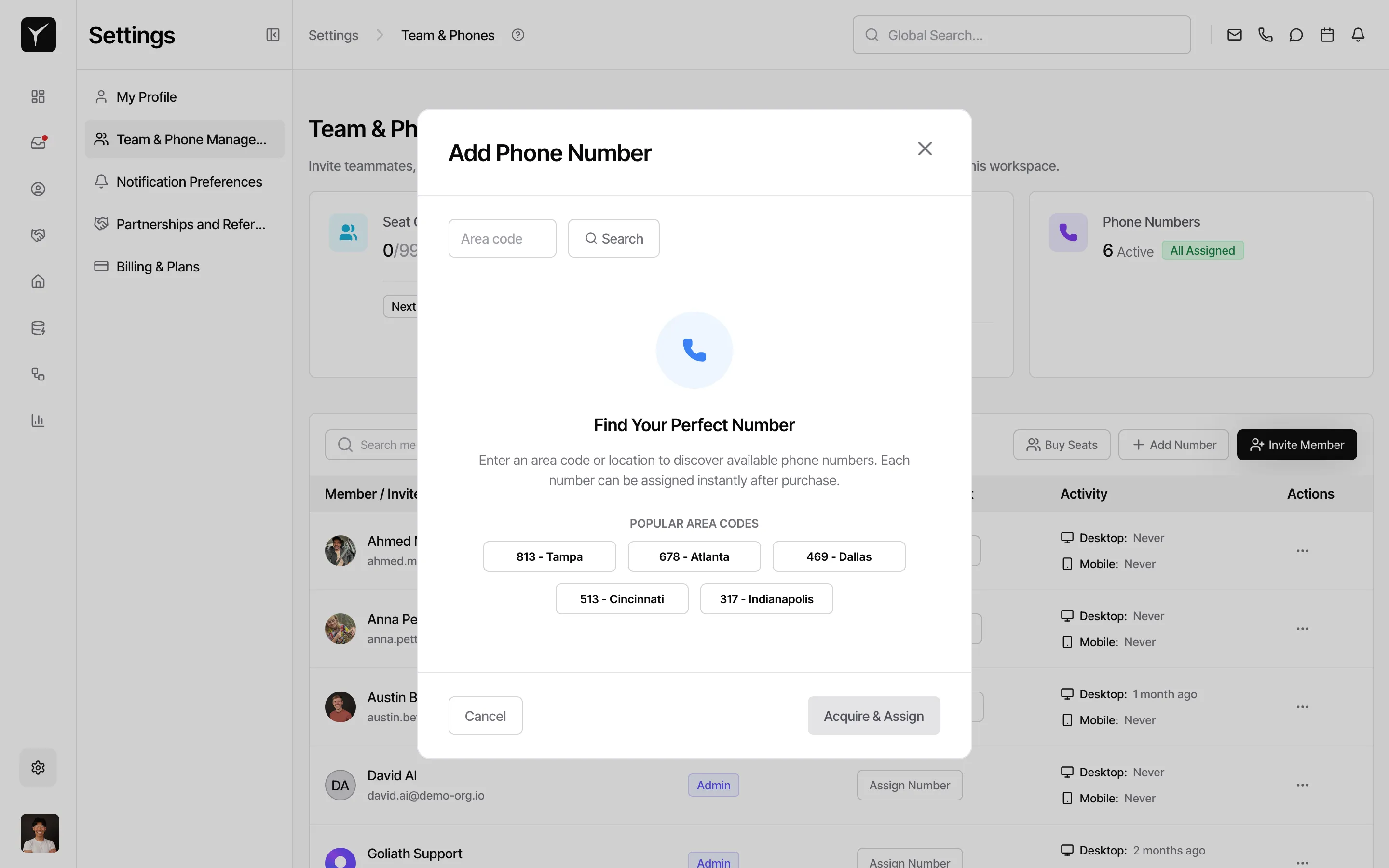
Select a number and assign it
Choose a number from the unassigned pool and click Assign. The number moves to the user’s assigned list. If it’s their first number, it becomes their primary automatically. To set a different primary, click Set Primary next to the desired number.
Frequently Asked Questions
Section titled “Frequently Asked Questions”Q: What happens if I assign a second number to a user who already has a primary?
Section titled “Q: What happens if I assign a second number to a user who already has a primary?”The newly assigned number does NOT automatically become primary. You must explicitly click Set Primary on the new number if you want to make it the default for outbound communication.
Q: Can two users share the same phone number?
Section titled “Q: Can two users share the same phone number?”No. Each phone number can be assigned to only one user at a time. For shared-number workflows (e.g., a team hotline), use team-based routing rules instead of individual assignment.
Q: Does unassigning a number delete its voicemail greeting?
Section titled “Q: Does unassigning a number delete its voicemail greeting?”No. Voicemail settings are attached to the phone number itself, not the user. If you unassign and later reassign the number to a different user, the voicemail greeting remains intact.
Q: How do I remove a number from a user?
Section titled “Q: How do I remove a number from a user?”Click Unassign next to the number in the Manage User Phone sheet. The number returns to the unassigned pool and can be assigned to another user or kept in reserve.
Related Articles:
- Team & Phone Numbers — Learn about voicemail greetings, A2P registration, and primary number behavior
- How Do I Set Up a Phone Number — Provision new numbers before assigning them
- Making Calls & Sending Text Messages — Use your assigned numbers to contact leads